Why Your Website Is Not Ranking on Google (And How to Fix It)
You’ve invested time, effort, and money into building a website.
You’ve published content, tried SEO tools, and maybe even hired someone — yet your website is still not ranking on Google.
If you’re asking questions like:
- Why is my website not ranking on Google?
- Why do my competitors rank higher than me?
- Does SEO even work anymore?
SEO services / professional SEO support
You’re not alone.
Thousands of small businesses face the same challenge every day.
👉 The good news? Most SEO problems are completely fixable once you understand what’s going wrong.
In this guide, you’ll learn the exact reasons why your website is not ranking on Google — and how to fix them the right way.
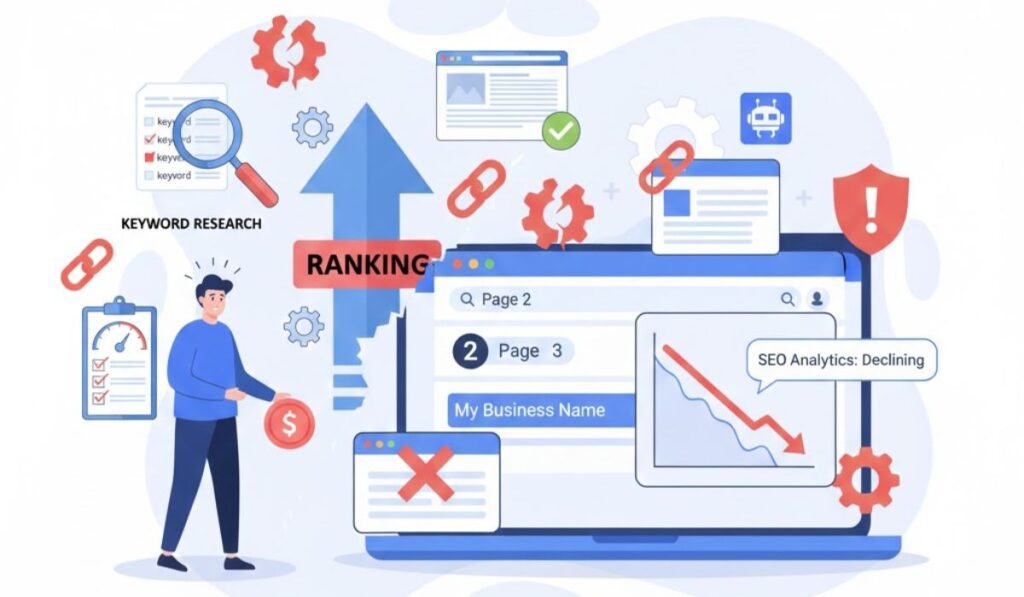
1. Your Website Is New (Google Needs Time to Trust It)
If your website is new, Google doesn’t trust it yet.
Google ranks websites based on authority, relevance, and trust. SEO strategy for new websites
- No backlink history
- No user engagement data
- No proven credibility
That’s why new websites struggle to rank in the beginning.
How to Fix It
- Be patient — SEO usually takes 3–6 months
- Publish high-quality content consistently
- Focus on long-tail keywords
- Build genuine backlinks slowly
SEO is not instant. It’s a long-term investment.
2. You’re Targeting the Wrong or Too Competitive Keywords
One of the biggest reasons a website doesn’t rank on Google is poor keyword selection.
Many businesses target keywords that are:
- Extremely competitive
- Too broad
- Dominated by big brands
Example:
❌ digital marketing
✅ digital marketing company for small businesses
How to Fix It
- Use long-tail keywords
- Focus on buyer-intent searches
- Target location-based keywords for local SEO
Right keywords = better rankings + higher conversions.
3. Poor On-Page SEO Optimization
If your on-page SEO is weak, Google cannot clearly understand your content.
Common on-page SEO mistakes include:
- Missing or duplicate title tags
- Improper H1, H2, H3 structure
- Keyword stuffing or no keyword usage
- No internal linking
How to Fix It
- Use one clear H1 per page
- Add keywords naturally in:
- Title tag
- Meta description
- Headings
- Content
- Add internal links to related pages
- Optimize images with proper alt text
Strong on-page SEO sends clear signals to Google.
4. Low-Quality or Thin Content
Google does not rank content written only for keywords.
If your content is:
- Too short
- Copied or rewritten
- Not answering user questions
- Lacking real value
Google will ignore it.
How to Fix It
- Write in-depth, helpful content
- Solve real user problems
- Add examples, FAQs, and clear explanations
- Follow E-E-A-T:
- Experience
- Expertise
- Authority
- Trust
Quality always beats quantity.
5. Your Website Is Slow
Website speed is a major Google ranking factor.
If your website takes more than 3 seconds to load:
- Users leave quickly
- Bounce rate increases
- Rankings drop
How to Fix It
- Compress images
- Use fast and reliable hosting
- Minimize CSS and JavaScript
- Enable caching
- Use a CDN if possible
A faster website improves rankings and user experience.
6. Your Website Is Not Mobile-Friendly
Google uses mobile-first indexing, which means it checks the mobile version of your site first.
If your website looks poor on mobile:
- Text is too small
- Layout breaks
- Buttons are hard to tap
Your rankings will suffer.
How to Fix It
- Use responsive design
- Test your site using Google’s Mobile-Friendly Tool
- Improve font size and spacing
- Optimize mobile page speed
Mobile optimization is no longer optional.
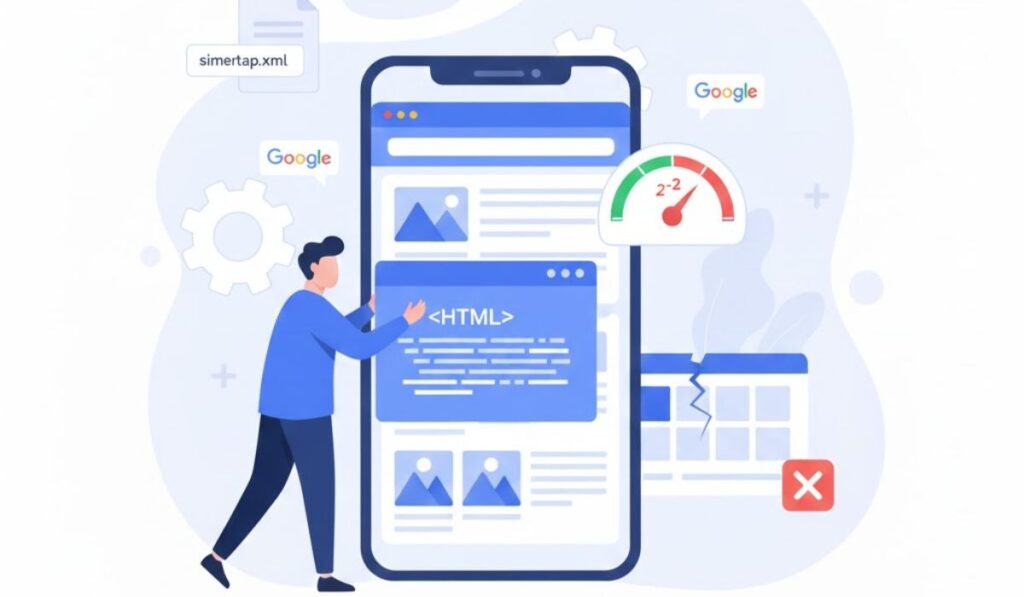
7. Technical SEO Issues Blocking Google
Sometimes your content is good — but Google can’t access it properly.
Common technical SEO problems include:
- Pages blocked by robots.txt
- Missing XML sitemap
- Crawl or indexing errors
- Duplicate URLs
- Broken links
How to Fix It
- Submit your XML sitemap in Google Search Console
- Fix crawl and indexing errors
- Use canonical tags correctly
- Perform regular technical SEO audits
Technical SEO is the foundation of strong rankings.
8. No Backlinks or Poor-Quality Backlinks
Backlinks act as votes of trust for Google.
If your website has:
- No backlinks
- Spammy backlinks
- Irrelevant links
Google won’t see your site as authoritative.
How to Fix It
- Build backlinks from:
- Blogs
- Business directories
- Guest posts
- Industry-related websites
- Focus on quality over quantity
- Avoid paid or spammy links
Strong backlinks increase authority and rankings.
9. Missing Local SEO Optimization
If you’re a local business and not ranking, Local SEO might be missing.
How to Fix It
- Optimize your Google Business Profile
- Use local keywords
- Collect genuine customer reviews
- Maintain consistent NAP (Name, Address, Phone)
Local SEO brings high-conversion traffic.
10. SEO Takes Time — But It Works
Many businesses quit SEO too early.
The truth is:
- SEO is slow
- SEO is competitive
- SEO requires consistency
But once it works, it delivers long-term, free traffic.
How to Fix It
- Follow a long-term SEO strategy
- Publish content regularly
- Track performance
- Improve continuously
SEO rewards patience.
How WebInfoLab Can Help You Rank on Google
If your website is still not ranking despite your efforts, professional SEO support can make the difference.
At WebInfoLab, we help businesses with:
- Complete SEO audits
- Keyword research and content strategy
- Technical SEO fixes
- On-page and off-page optimization
- Long-term growth planning
Want your website to rank on Google?
Get in touch with WebInfoLab and let our SEO experts fix what’s holding your site back.
Final Thoughts
If your website is not ranking on Google, there is always a reason — and usually more than one.
The key is to:
- Identify the problems
- Fix them strategically
- Stay consistent
💡 SEO is not magic — it’s a system.
And when done right, it works.
Frequently Asked Questions
Q1. Why is my website not ranking on Google?
Your website may not rank on Google due to poor SEO, wrong keyword targeting, slow speed, lack of quality backlinks, technical issues, or because it is still new.
Q2. How long does it take for a website to rank on Google?
SEO usually takes 3–6 months to show results, depending on competition, content quality, backlinks, and consistency.
Q3. How can I improve my website ranking on Google?
You can improve Google rankings by targeting the right keywords, optimizing on-page SEO, improving site speed, fixing technical issues, and building quality backlinks.
Q4. Why is my website not ranking even after SEO?
Your website may not rank despite SEO due to incorrect strategy, highly competitive keywords, weak content, poor technical SEO, or insufficient backlinks.
Q5. Can a new website rank on Google?
Yes, a new website can rank on Google by focusing on long-tail keywords, publishing quality content consistently, and following proper SEO practices.